
On macOS, to do a For All Users installation:
- run the screensaver installer that was built by iScreensaver Designer.
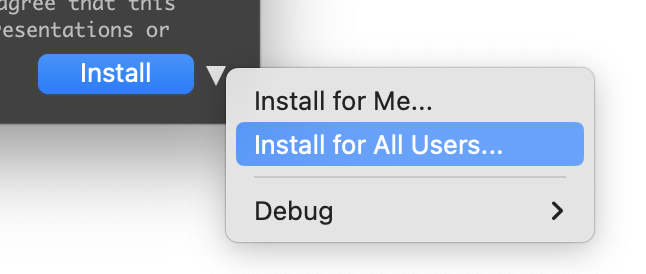
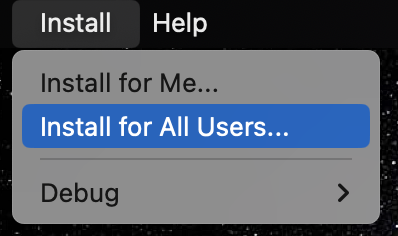
- Then choose Install / For All users one of two ways:
- From the Install button popup-menu:
- Or from the Install menubar:
This will install the screensaver in /Library/Screen Savers/ and set the Plists appropriately so they can be used on any mac running macOS Sonoma.